 Jellyfin
Custom Jellyfin CSS
🛠️ Installation
Click here for general setup
Choose one method below. Use subfiltering if you want the dashboard themed too.
Built-in Custom CSS
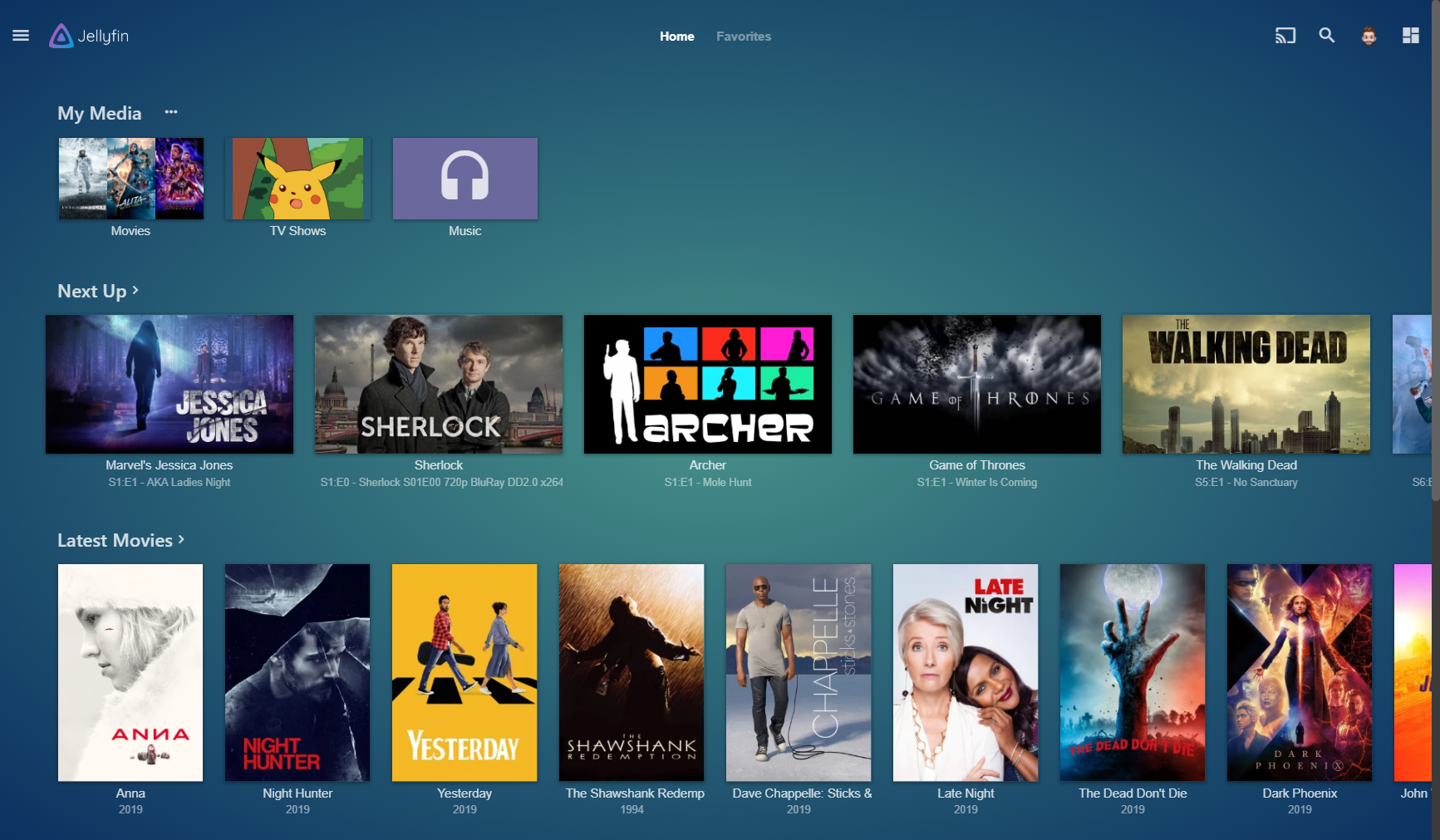
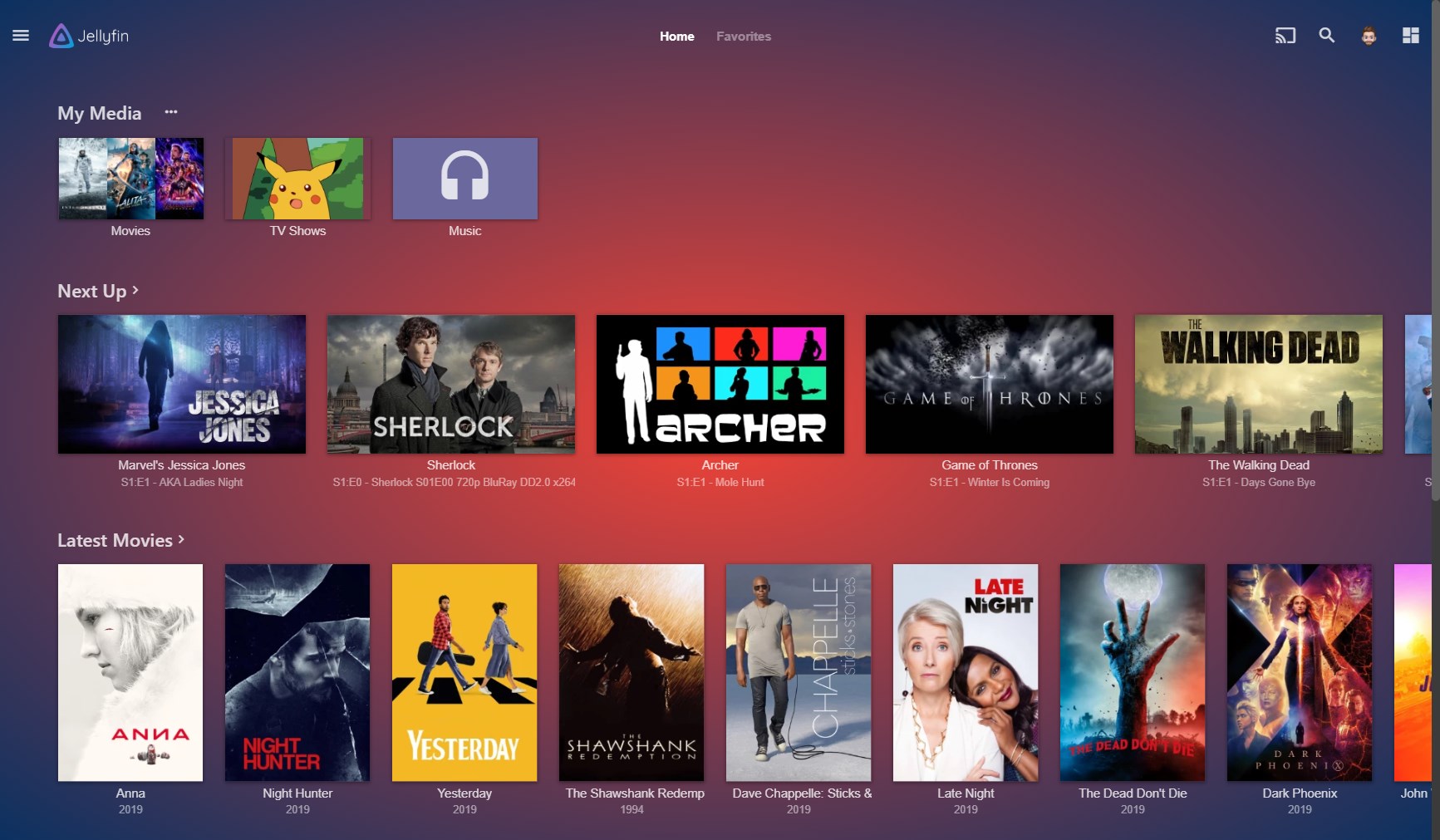
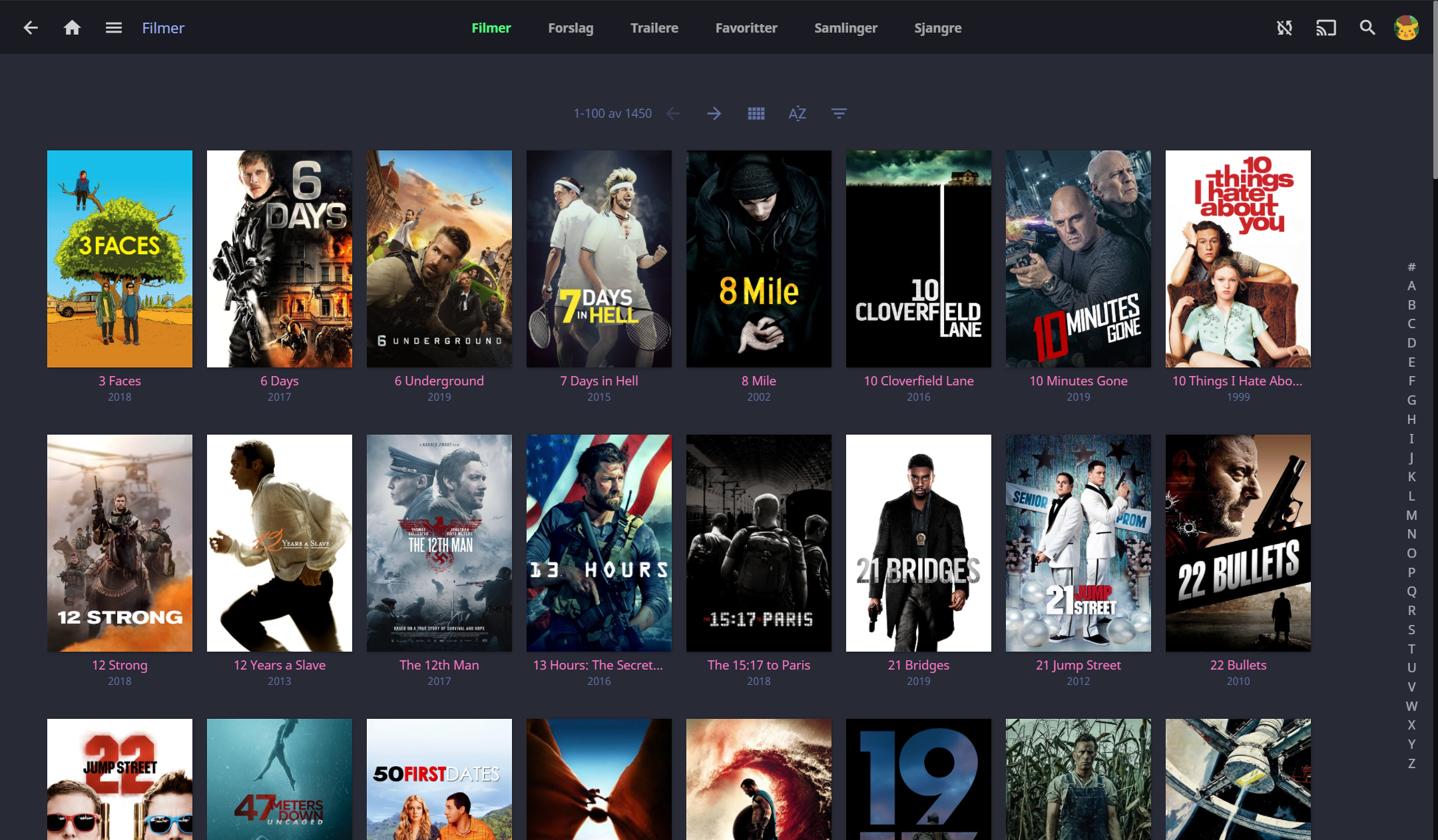
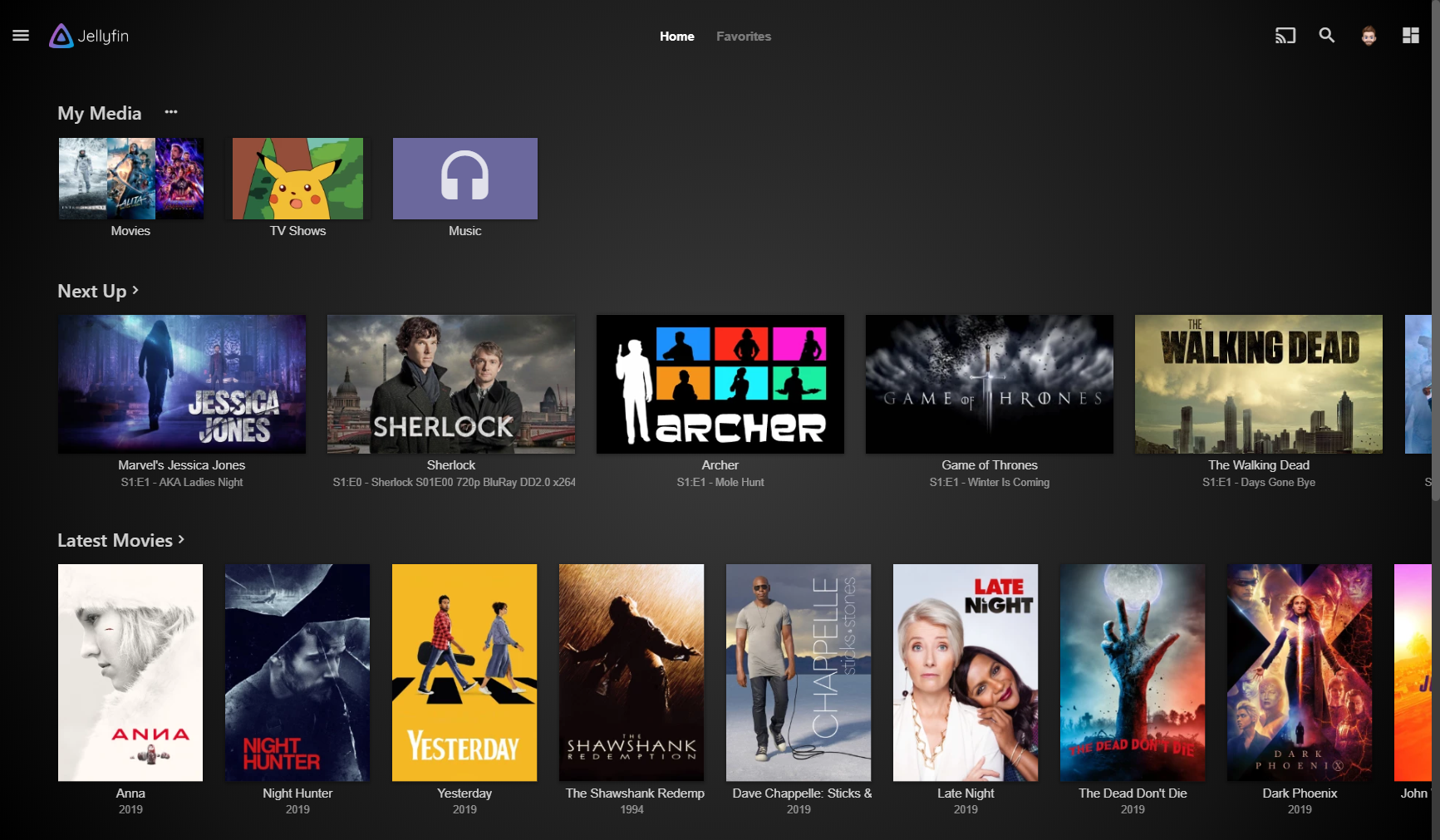
These screenshots show Jellyfin 12.0.
Open Dashboard > Branding and add this to Custom CSS code, replacing
<THEME> with a theme option. Save your changes.
@import url("https://theme-park.dev/css/base/jellyfin/<THEME>.css");
For example, Nord:
@import url("https://theme-park.dev/css/base/jellyfin/nord.css");
Subfiltering, including the dashboard
Jellyfin 12 does not load its Custom CSS setting in the admin dashboard. To theme those pages too, use subfiltering instead of the built-in method. Remove any theme.park import from Custom CSS code and save before switching.
Follow the setup guide for your reverse proxy and inject this stylesheet into
the web client HTML, replacing <THEME> with your selected theme option:
https://theme-park.dev/css/base/jellyfin/<THEME>.css
Keep injection out of API, media, and WebSocket responses. Subfiltering themes both regular pages and the dashboard without a second import in Jellyfin.